9 Best Graphic Designing Tools List for 2026: Elevate Your Portfolio
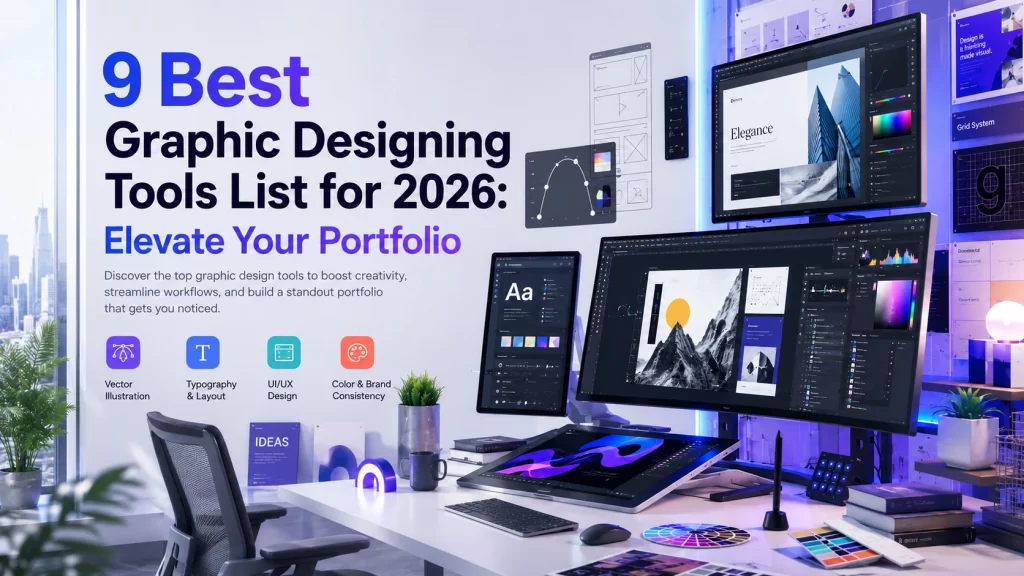
The Graphic Designing industry is not just changing, it is evolving faster than ever. The Graphic Designing Tools List must be a mix of both manual craftsmanship and generative AI.
In 2026, Most designers, whether beginners or professionals, are still working with outdated tools that are quietly slowing down their work and portfolio quality.
If you are serious about standing out, your tool kits matter more than your talent. The right design tools list can design a portfolio that lands clients, while the one that gets ignored.
This guide covers the 9 best tools to build a competitive portfolio. Designers must master these 7 industry standard design tools and 2 powerful AI-powered tools.
Why Your Graphic Designing Tools List Needs an Upgrade in 2026
Whether you are a student just starting your design journey, a freelancer building your client portfolio, or a marketing professional, choosing the right graphic design software directly impacts the quality of your output and your career growth.
The demand for visual content is rapidly increasing. The global graphic design market is projected to reach over $50 billion by 2026, having more designers and more competition.
Therefore, the tools you choose are not about comfort, it’s about staying competitive in the fast growing industry where top design agencies now prioritize hybrid designers, those who can master both professional software and AI integrated work.
Designers are actively switching to new tools. Are you following the same path or not?
Part 1 — The 7 Best Traditional Graphic Designing Tools List Every Designer’s Must Have:
Adobe Illustrator (The King of Vector Design):
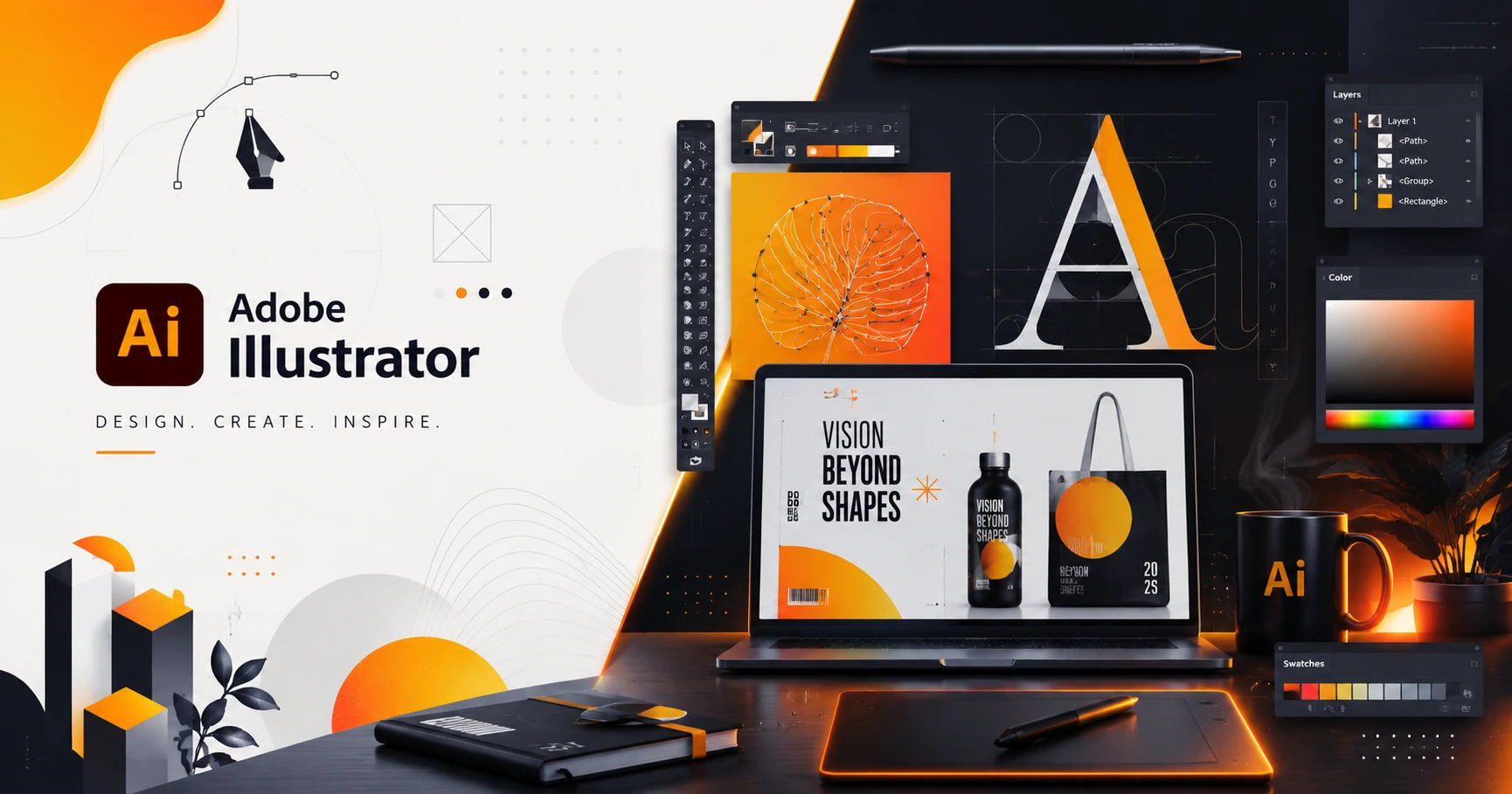
If there is just one tool that appears on every professional designers tools list is definitely The Adobe Illustrator having over 26 million creative users worldwide.
Adobe Illustrator is the industry standard software used for creating scalable vector graphics like logos, icons, and illustrations without losing its quality.
In 2026, Illustrator is enhanced with AI-driven vector generation and superior text-to-vector capabilities which converts raster images into clean, layered vector files in seconds while reducing the manual work.
Best for: Brand designers, logo artists, Illustrators and print professionals.
Pricing: Starts at ₹1,675/month for individuals.
Pros:
- One of the best industry standard vector tool.
- Unmatched precision with the Pen Tool.
- Seamlessly integrated with other Adobe software.
- AI assisted vector graphics
Cons:
- Take lot of efforts to understand basics for beginners
- Its Monthly subscription is expensive
- Heavy on the system- require powerful system
Figma (The Ultimate Collaboration Powerhouse):
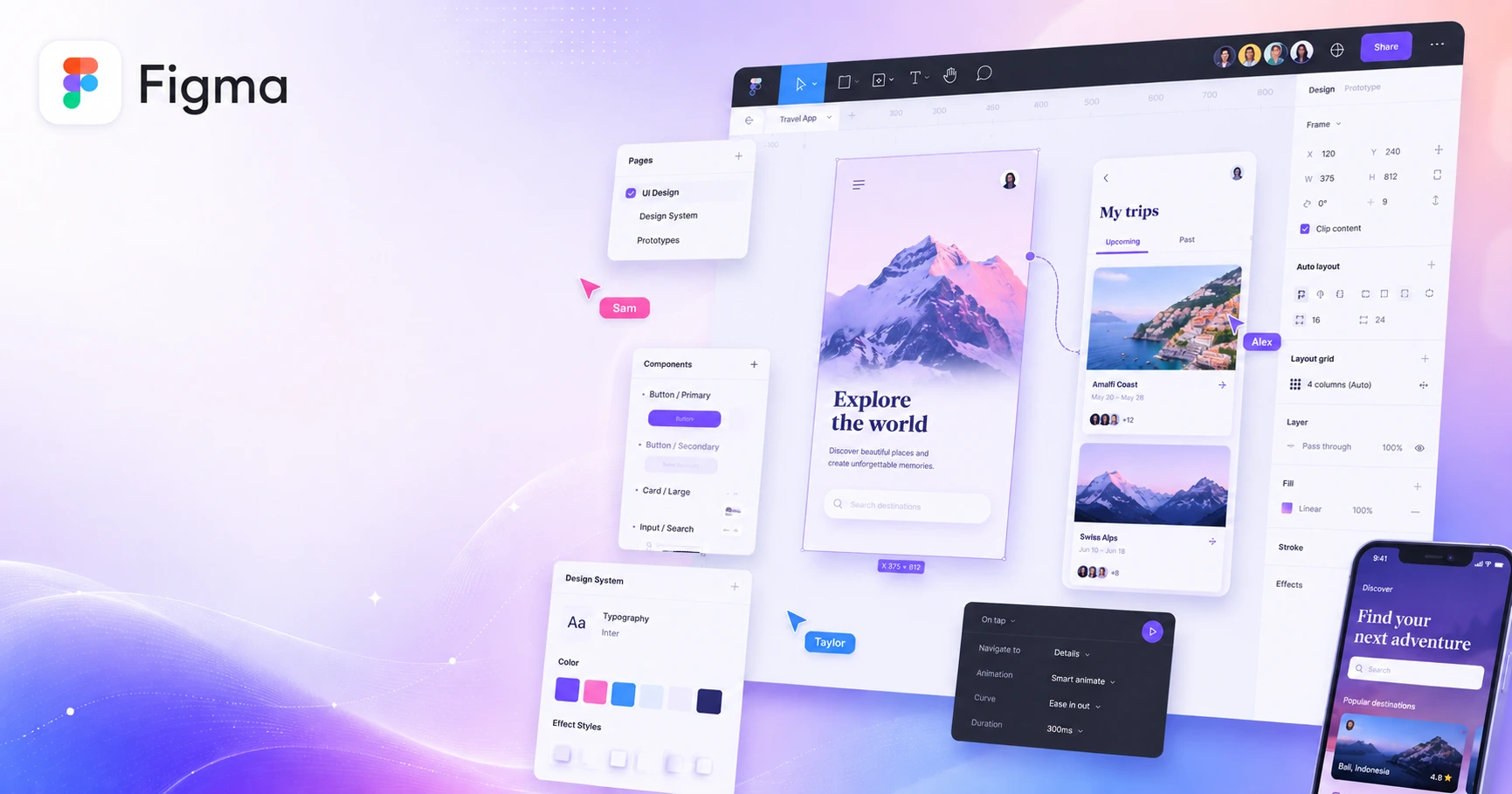
Figma has become one of the most powerful cloud based design tools for UI/UX, product designers and development teams building digital products. It changed the game when it introduced real time collaborative design.
Figma has introduced AI-powered features for generating designs. The Layout and Variables systems in Figma enable designers to build truly responsive, dynamic design systems.
Best for: UI/UX designers, product teams, remote collaboration.
Pricing: Free plan available for starter; Paid plan starts at approx. ₹1,000/month per editor.
Pros:
- Browser based access,
- Now it also has Live commenting,
- Have auto layout features, and
- With growing plugin ecosystem it is irreplaceable.
Cons:
- Requires stable internet connection as offline access is limited
- Not ideal for print design or illustration work
- The advanced features require paid plan
Canva Pro (Beginner’s Secret Weapon):
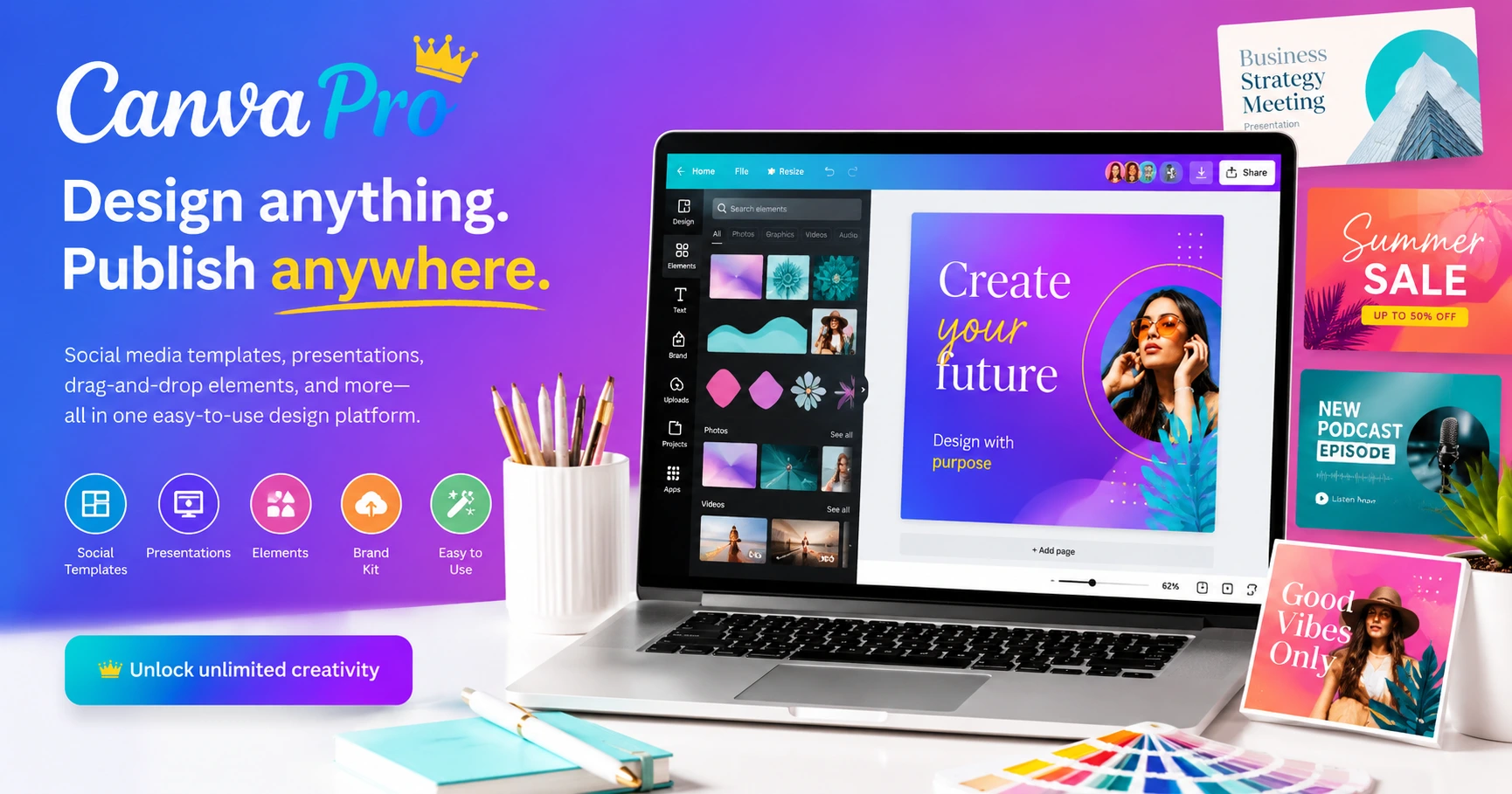
Most people underestimate Canva as the basic tools but today many social media creatives are created using this platform.
Canva Pro is the smartest beginners friendly tool that enhances your experience with brand kits, premium templates, and massive features like background removal. It has evolved from a simple drag-and-drop template into one of the most powerful AI-driven design platforms in the world.
Canva Magic Studio generates design templates, creates images and short videos from simple text prompts. It is a powerful tool where you can create a massive amount of high quality visuals without hiring a designer.
Best for: Marketers, social media managers, entrepreneurs, educators, beginners .
Pricing: Free plan available; Canva Pro starts at approx. ₹500-1000/month.
Pros:
- This is one of the extremely easy to use tool even for beginners.
- Has Powerful templates for every social media platform.
- With deeply integrated AI features, it is first choice for millions of users.
Cons:
- Has limited creative control features as compared to Illustrator
- The Design Template also looks too generic.
- This software is not suitable for complex vector work.
- There are certain features that are restricted on the free plan
Adobe Photoshop (The Timeless Creative Giant):
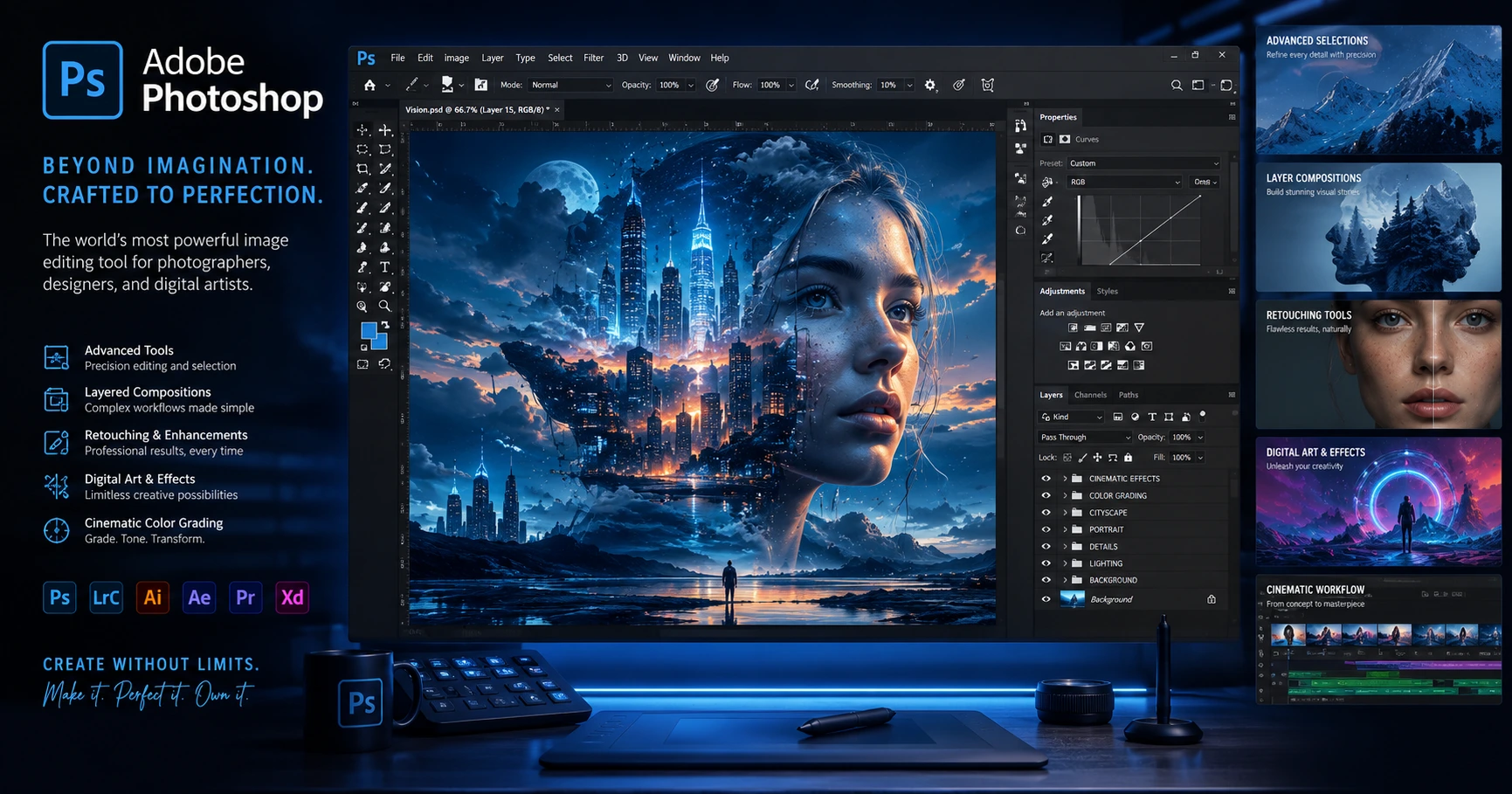
Photoshop remains one of the most powerful image editing software in the world. Also perform tasks such as digital painting, raster art, and image manipulation. Its dominance is earned from the strong performance, not nostalgia.
It is powered by Firefly AI in 2026, which includes advanced Generative Fill and AI-enhanced retouching tools. Fill allows designers to select any area of image and fill it with AI generated content by typing simple description. It does its work in seconds.
Best for: Photographers, digital artists, photo editors, retouchers, marketing team
Pricing: Starts at approx. ₹1,675/month for Individuals.
Pros:
- Its one of the Powerful image editing tool.
- It also offers Advanced layer based work.
- AI powered retouching tool, and
- An extensive ecosystem, when mastered properly.
Cons:
- For new users its heard to learn.
- Subscription costs is high.
- It is not built for vector design or UI work.
- Needs a powerful system, the resources are heavy.
Affinity Designer (The Brilliant Budget Pro Pick):
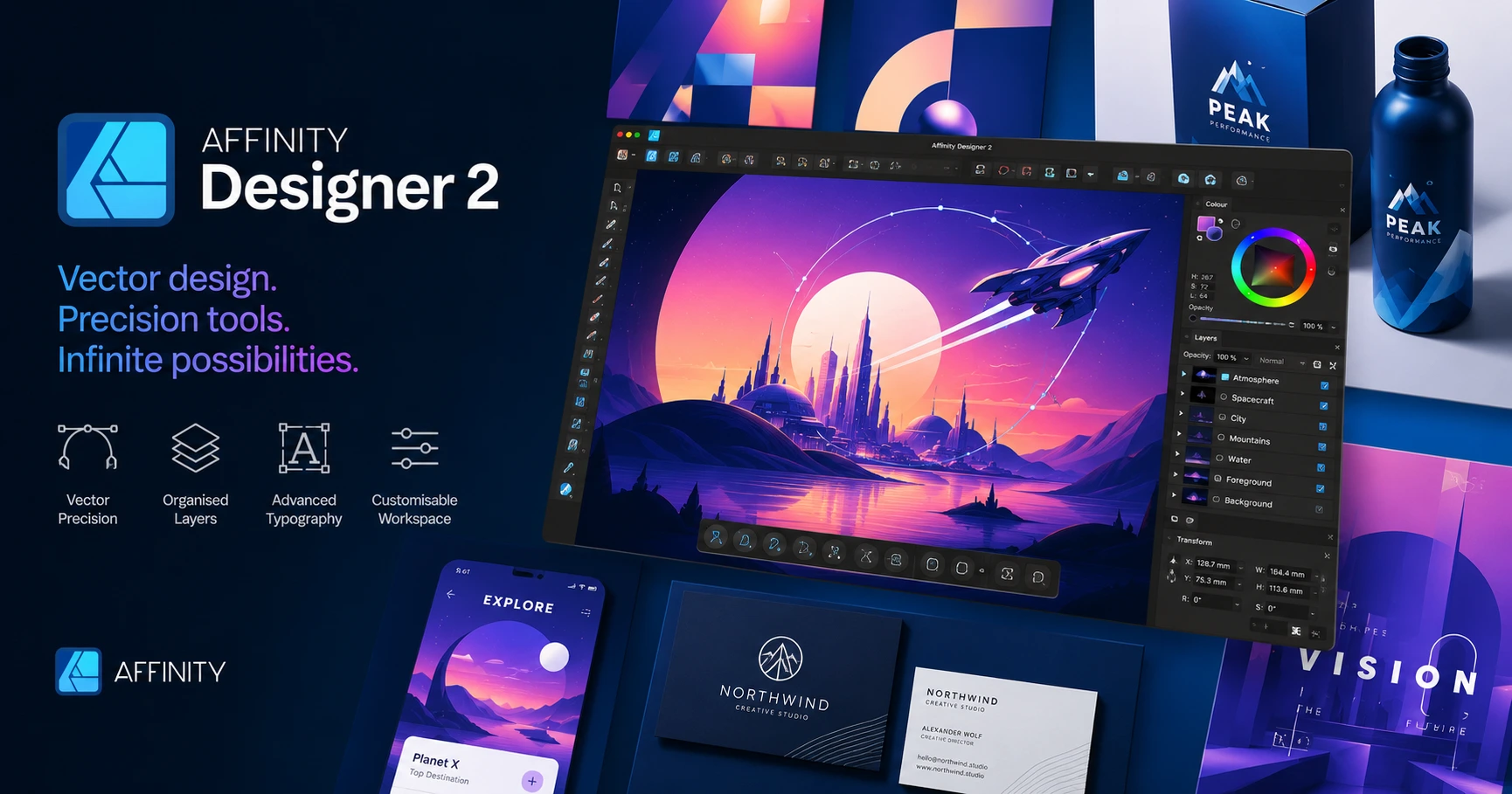
Affinity Designer is a professional graphic design software used to create logos, branding, illustrations, UI/UX designs, print layouts, and web graphics. It supports both vector and raster work for a variety of creative projects.
Many prefer using tools without the burden of the subscription. Therefore, Affinity Designer’s one-time payment model has attracted over 3 million users who want a professional-grade tool without the hassle of monthly fees.
Best for: Freelancers, budget-conscious designers, illustrators
Pricing: One-time purchase at $69.99(around ₹6,000–₹7,000)
Pros:
- Combination of both vector and raster design at one place.
- Its desktop and iPad performance is very smooth.
Cons:
- It has smaller community where only fewer tutorials and resources are available.
- Its plugin ecosystem is not as rich as Adobe or Figma.
- Also affinity don’t have cloud collaboration feature.
- It is one of the less recognized tool by agencies who are hiring designers.
Sketch (The UI Designer’s Ultimate Playground):
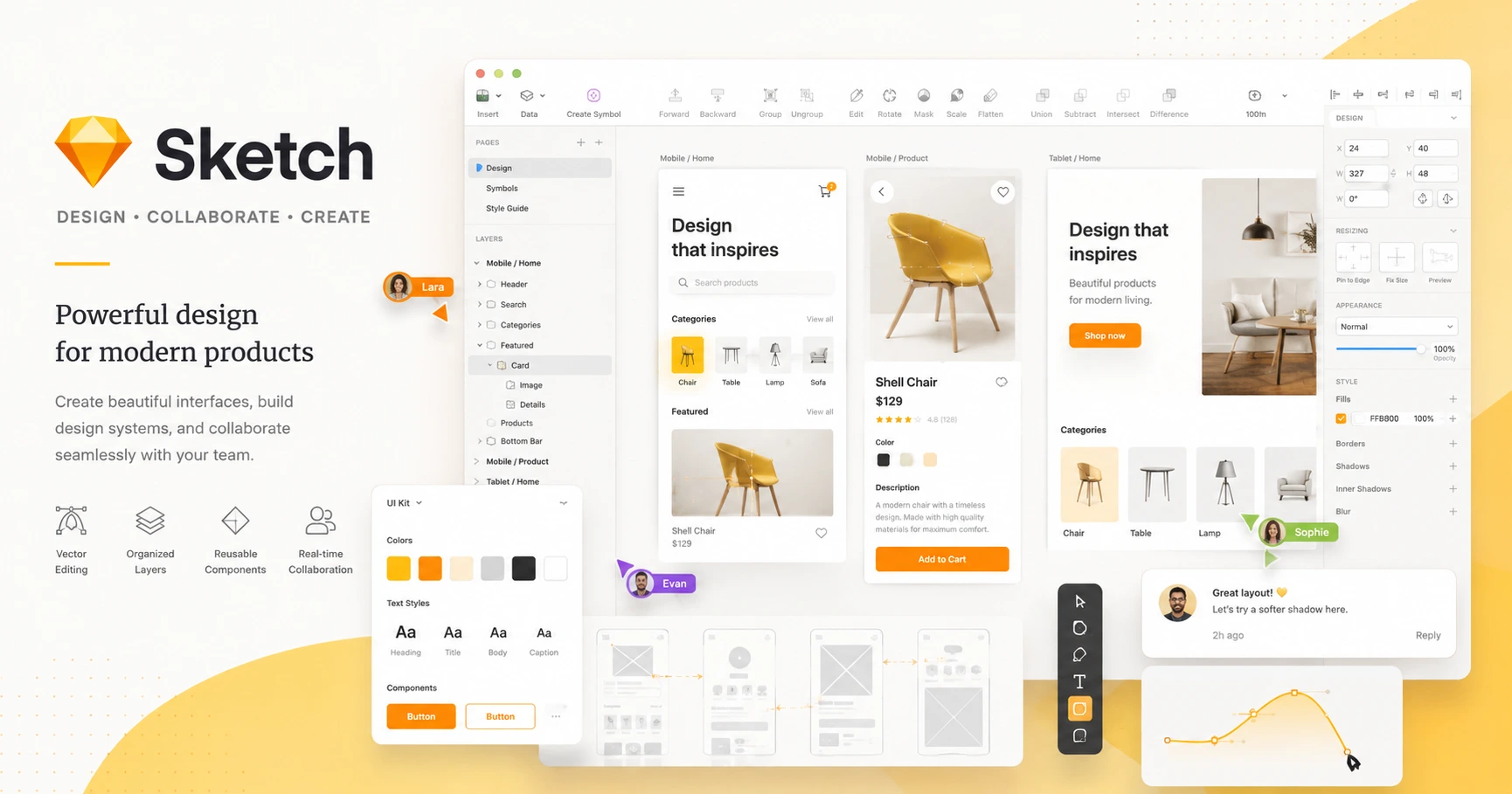
Sketch is a vector based tool developed for Mac. It is designed to meet the needs of UI/UX professionals through its clean interface, strong prototyping, and developers handoff tool.
This is a wonderful tool for designing icons, ad banners, social media images, and presentation materials.
Best for: Mac-based UI/UX designers, app designers
Pricing: approx. ₹12,000/year
Pros:
- Offers fast performance.
- Provide strong prototyping work.
- Excellent symbol system, keeps everything looking the same.
Cons:
- This software tool is only for MAC.
- Losing ground to Figma for team collaboration.
- Its Prototyping features are less advanced.
- If compared to Figma it has smaller plugin library.
CorelDRAW (The Hidden Gem Professional Trust):
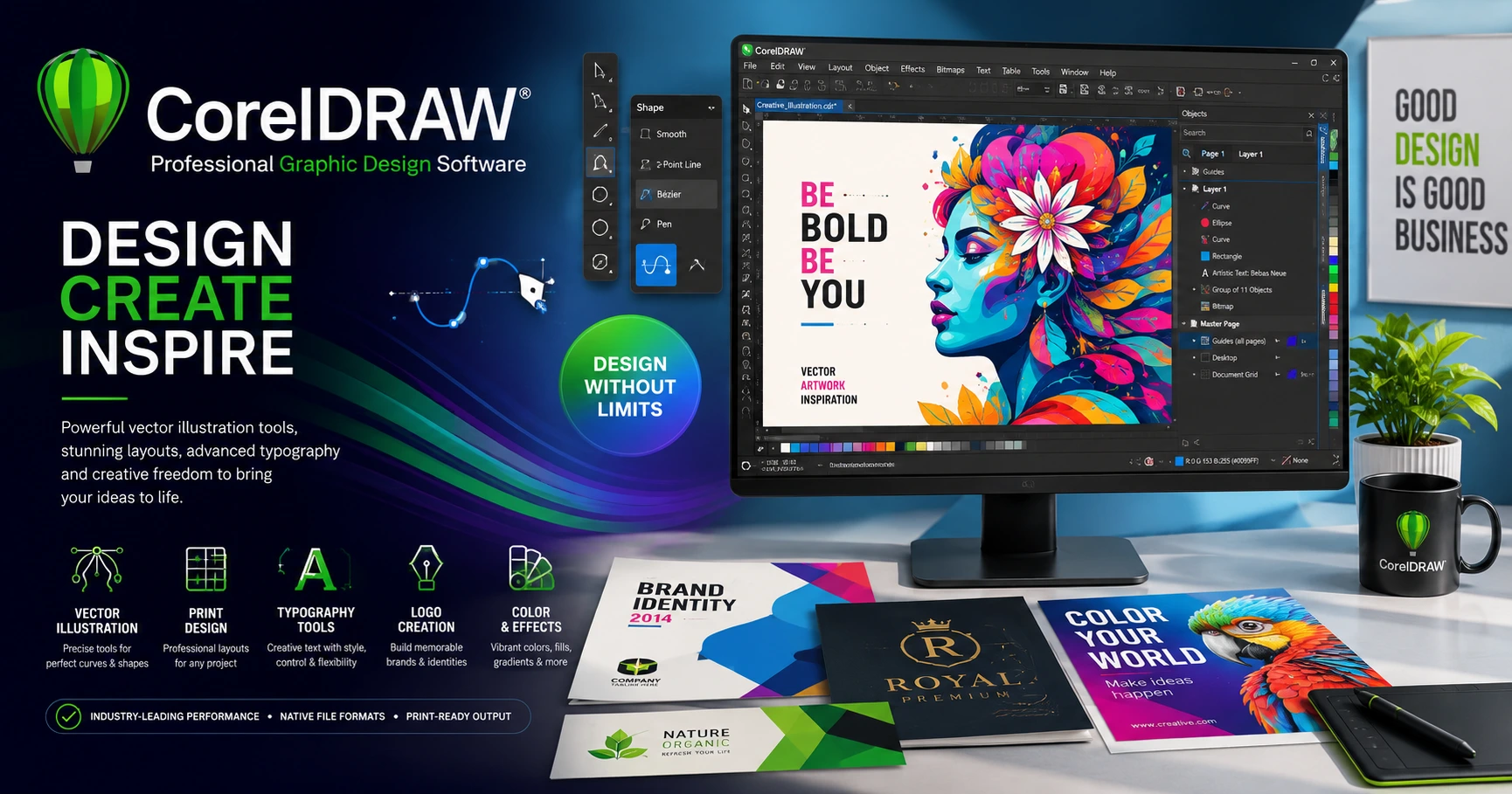
Often overlooked tool CorelDRAW has powered professional print design for over 30 years. It’s highly popular, often considered as a backbone in the design industry such as signage, packaging, and apparel industries.
As of 2026, CorelDRAW has enhanced its features with AI-driven capabilities to speed up the creative work.
Best for: Print designers, signage professionals, apparel decorators
Pricing: approx. ₹22,000/year
Pros:
- Offers excellent color management,
- Has advanced typography, and layout controls.
- It is best for print based work.
Cons:
- Outdated interface compared to modern tools.
- Expensive as there is no strong free plan alternative.
- Has a small online community with limited resources for learning.
- CorelDRAW is very rarely used in UI/UX or design work.
Part 2 — The 2 Best AI Graphic Designing Tools List
How AI is Quietly Reshaping Graphic Design in 2026?
A global survey found that 40% of creative professionals now use AI tools in their work.. AI isn’t replacing designers; it’s replacing designers who refuse to change.
The most successful designer is not the one with the best skills, but the one who can blend strong design with powerful AI tools to work faster and smarter.
Smart professionals are already incorporating AI into their processes not to reduce their workload, but to be quicker, more professional and explore ideas that would typically take hours to complete.
Adobe Firefly (One of the Best AI Tool Built for Real Designers):
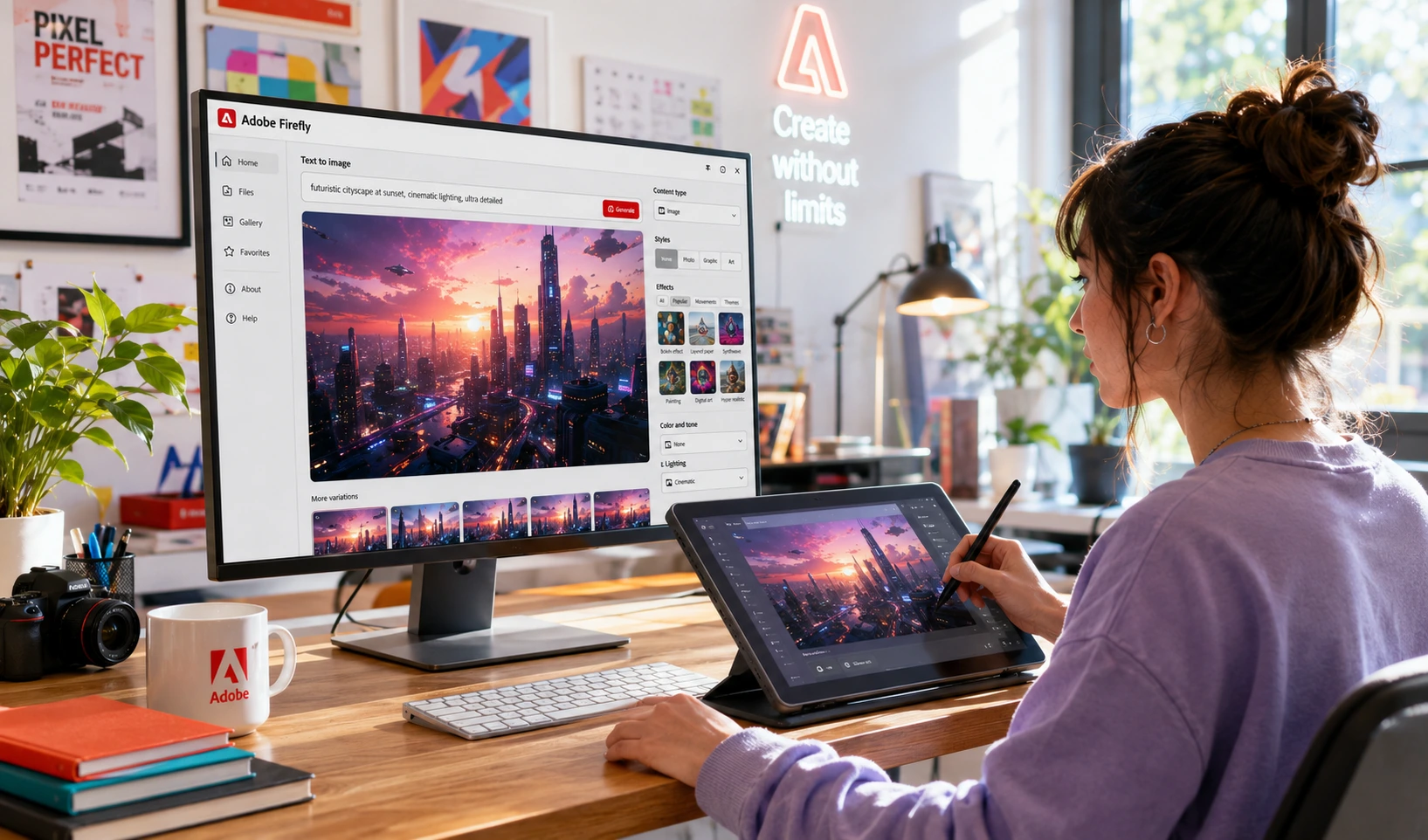
Firefly is integrated into Adobe Creative Cloud within Photoshop, Illustrator, Adobe Express and Premium Pro, allowing designers to use AI features directly in their projects.
Unlike other generic AI tools, Firefly is trained on licensed, copyright-cleared content, making it safe for commercial use without any legal risk. It is one of the most professional AI design tools.
Adobe Firefly supports text-to-image generation, vector creation, generative fill, style reference generation, and even 3D to image rendering.
Best for: Adobe users, creative professionals, marketing teams, brand designers, and advertising agencies
Pricing: Included with Creative Cloud subscription.
Pros:
- It is a strong generative tool for images, recolor vectors, extend backgrounds, and for creating text effects.
- Adobe Firefly is commercially safe to use.
Cons:
- For artist works output quality is not that great.
- To use it you need a creative cloud subscription.
- It has limited AI credits on lower plan.
- It has less creative range as compared to open AI platforms.
MidJourney (Powerhouse AI Tool for Concept Art & Creative Ideation):
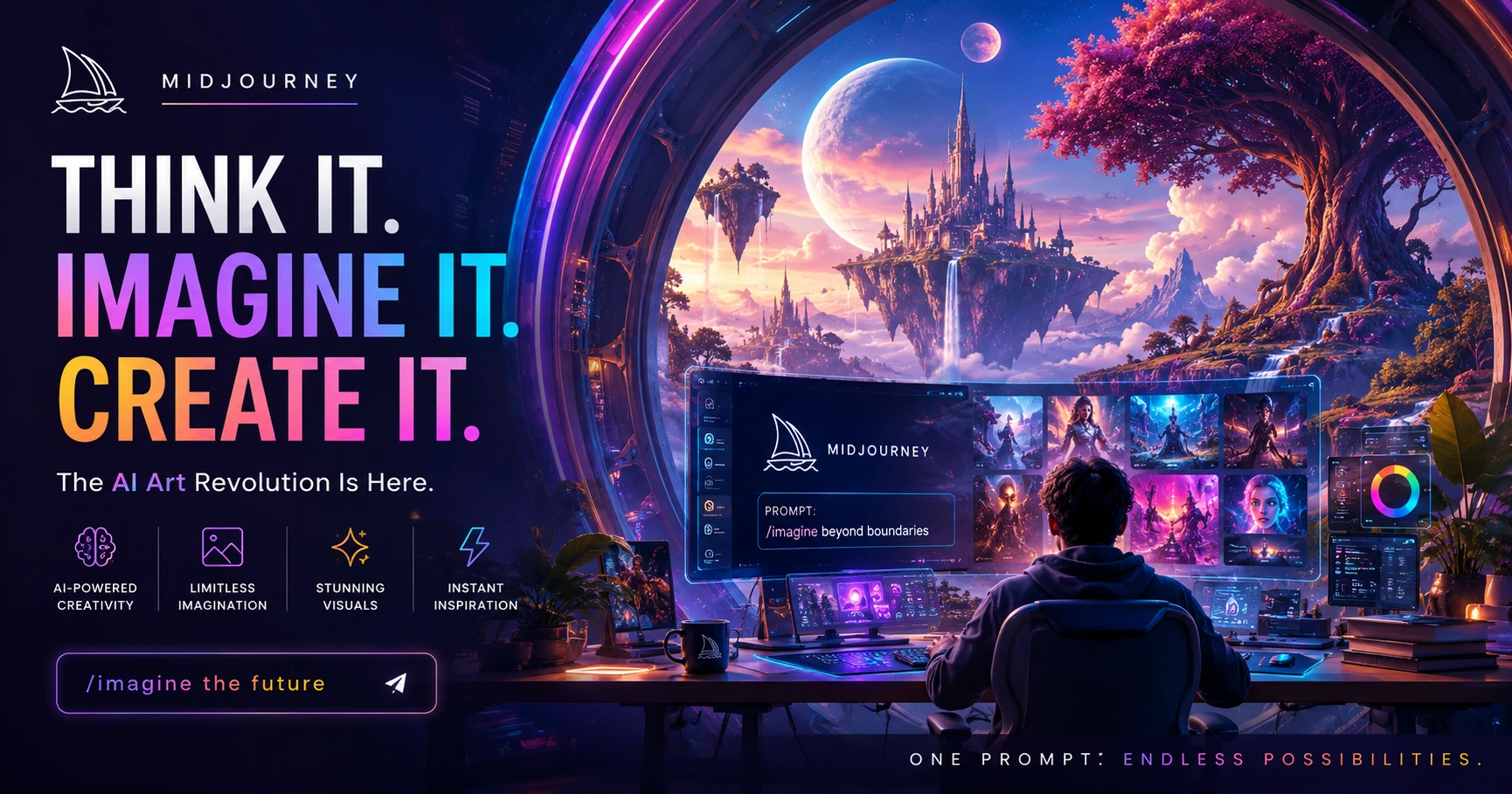
No AI tool has captured the creative world’s attention like MidJourney. It has established itself as the most sophisticated AI image generator in 2026.
It has become one of the most powerful tools for art directors, creative agencies, concept artists, and brand strategists to use MidJourney to explore- visual directions, generate campaign mood boards, create illustration assets, and produce hyper-realistic or stylized images that would take hours to produce manually.
MidJourney is not a tool that replaces design skills but it rewards designers colors, mood, composition and visual story telling.
Best for: Concept generation, mood boards, creative ideation, visual strategist
Pricing: Basic plan from approx. ₹840/month
Pros:
- It has stunning output quality.
- This tool is excellent for brand concepts, illustration styles, and campaign visuals.
- Smart designers think visually before experimenting.
Cons:
- It has no direct editing feature you need external tools for this.
- The commercial rights are only available on Pro plan.
- The Discord-based interface feels confusing for beginners.
- Final client work need some refining.
Will AI Replace Graphic Designers?
No AI is not replacing designers, it is transforming how the designers work if used wisely.
Designers believe AI will enhance their work and not eliminate their roles. The biggest advantage is combining strong design fundamentals and AI created work with speed and creativity.
The best graphic designing tools list in 2026 is not traditional tools versus AI tools, the future of designers depends on who uses both together.
Conclusion
The best graphic designing tools list for 2026 focuses on choosing the right combination of tools to meet your goals. Therefore, Start with one tool that fits your skill level, master it deeply and then add AI tools to boost your speed and creativity.
Designers who succeed in 2026, are not only the most skilled but are also prepared with the right tools.
Which tool from this graphic design tools list will you start with, and which one impresses you the most? Share your choice in the comments below.
Master the fundamentals of Color Theory in Graphic Design with 7 proven rules that help designers create visually balanced and impactful designs.
What is best graphic design tool for beginners?
Which tools on this tools list are free?
Is Adobe Illustrator worth learning in 2026?
How many tools should a beginner learn at once?
Can Midjourney be used for client work?