Adobe Premiere Pro
Adobe Premiere Pro – The Biggest Tool of My Editing Journey. When I entered the world of editing, I realized that a free mobile app was all I needed. Cutting a few clips on my phone and playing a song was enough. That was editing for me until then. However, when I started regularly creating videos for YouTube and began receiving client work, I realized that real editing had barely begun. And that was the moment I adopted Adobe Premiere Pro.
What is Premiere Pro?
It’s video editing software made by Adobe. You’ve probably heard of it before, as it’s a superstar in the world of editing. From small social media reels to major Hollywood films, everything is created on this platform. What I really enjoyed about it was that it’s part of Adobe’s Creative Cloud. That means I can create a design in Photoshop or an animation in After Effects and bring it directly into Premiere Pro without any hassle. Work goes much smoothly.Adobe Premiere Pro – The Biggest Tool of My Editing Journey
My First Experience
It was the day I opened Premiere Pro for the first time. Admit it, I started to feel a little scared inside. Seeing so many buttons, panels, and tools made my mind go round. I couldn’t understand where to start. But then I showed some patience. I watched tutorials on YouTube, slowly practiced, and slowly became friends with this software. Today, it seems that editing without Premiere Pro is like half a pin.
The best thing I like about it is its format support. Whether you have shot the video with your DSLR or mobile phone, everything runs smoothly in Premiere Pro. On top of that, you don’t need separate software for color grading, you can create motion graphics, and do multi-camera editing—all in one place. Yes, and Adobe also releases updates from time to time. At first, I thought it was just for show, but that’s not the case at all. The new features are quite useful.
Let me tell you a story. I once had to create a poster for a client project. I designed it in Photoshop and, without exporting, dragged it directly into the Premiere Pro timeline. It was a delight to see it work so easily.
Features That Make My Work Easier
Lumetri Color Panel – The easiest and most powerful way to make even simple videos look like movies.
Essential Graphics – A great way to make titles, subtitles, and lower thirds look professional. It works very quickly.
Audio Tools – These tools are life-saving when removing background noise or clarifying sound.
Team Projects – When working in a group, this feature makes your life easier. Eliminates the stress of file sharing.
Who Should Use Adobe Premiere Pro 2025?
In my opinion, anyone who takes editing seriously should definitely give Premiere Pro a try.
YouTubers who want to take their videos to new heights.
Filmmakers who want to present their stories with depth and detail.
Businesses that want to create professional videos for their products or services.
I personally use it for two purposes: my YouTube channel and my clients. And now it seems like the world of editing is inconceivable without it. 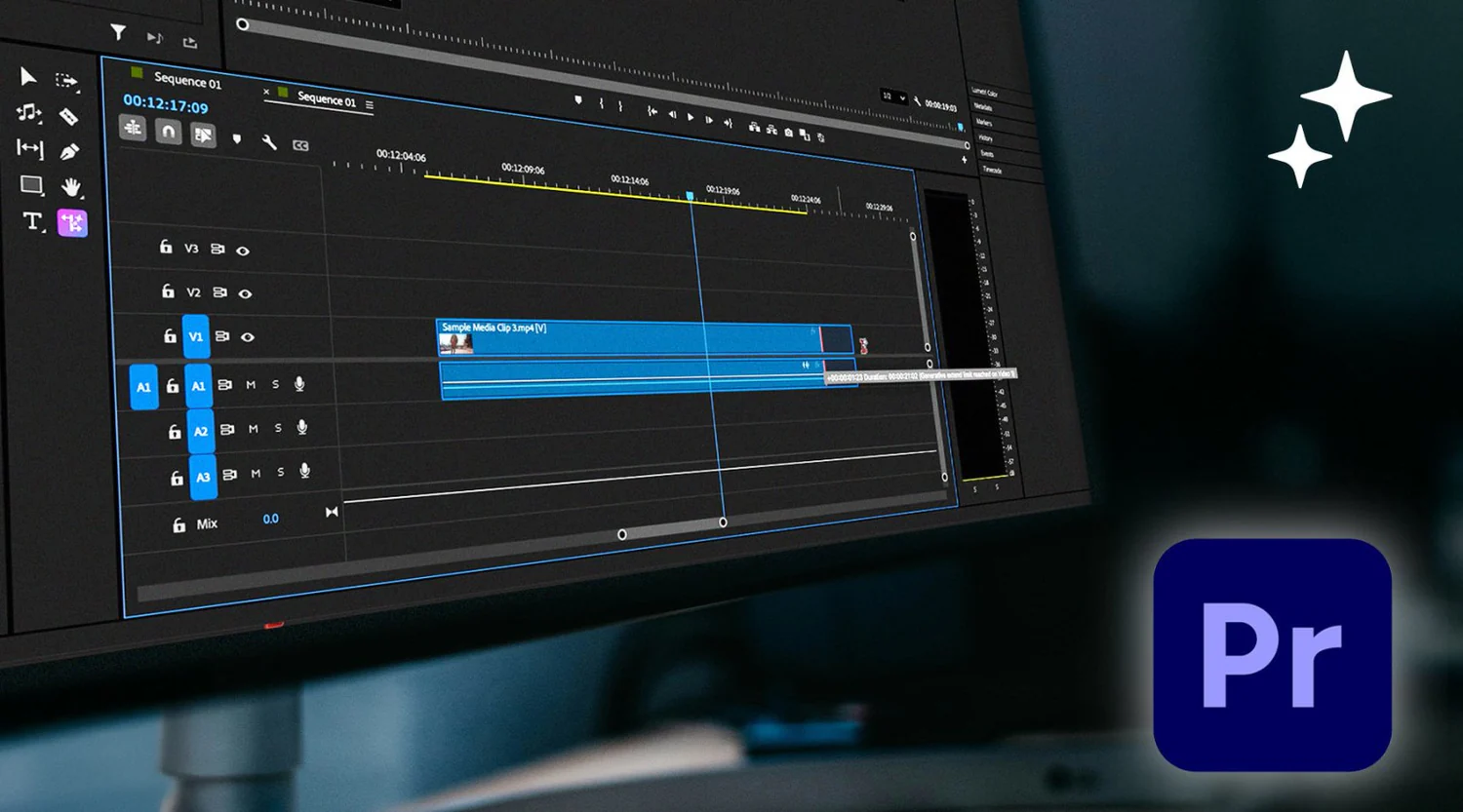
Some Tips for Newbies
Some things I’ve learned that might be useful to you, too:
Learn keyboard shortcuts: They’re hard to remember at first, but they save you a lot of time later.
Organize files: Simply throwing all your files together can ruin both your work and your brain. Create folders and keep them clear.
Try presets: Ready-made presets can be a lifesaver, especially when time is short.
Learn Color Correction: With it, you can make even a simple video special.
Is it worth the money?
To be honest, there are plenty of free editing tools available on the market. But the first time I used Premiere Pro, I realized the real difference. Yes, it costs money, but if you want to make editing your passion or profession, it’s a good investment.
Finally,
Editing isn’t just about cutting and joining videos. It’s a skill where you give real color to your thoughts. Tools help, but having a good tool is crucial for shaping your thinking. And for me, that tool is Adobe Premiere Pro. Whether you’re new or experienced, this software always teaches you something new.